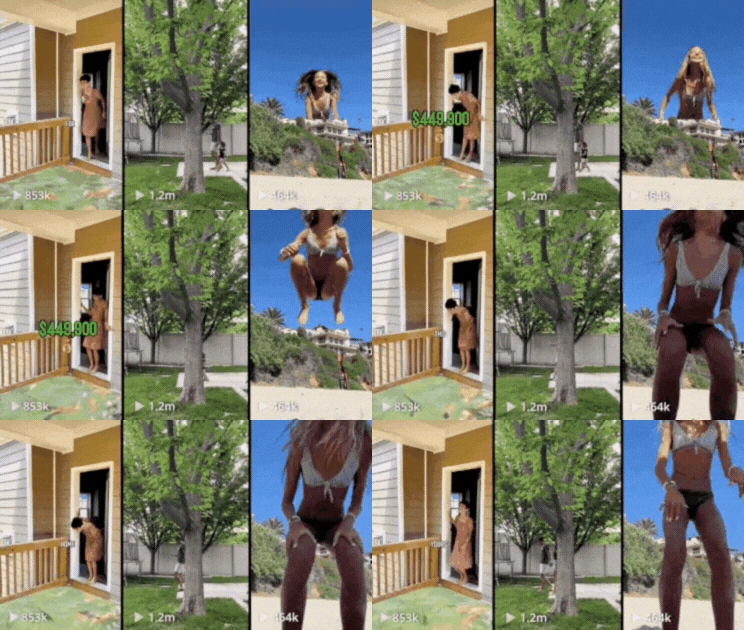
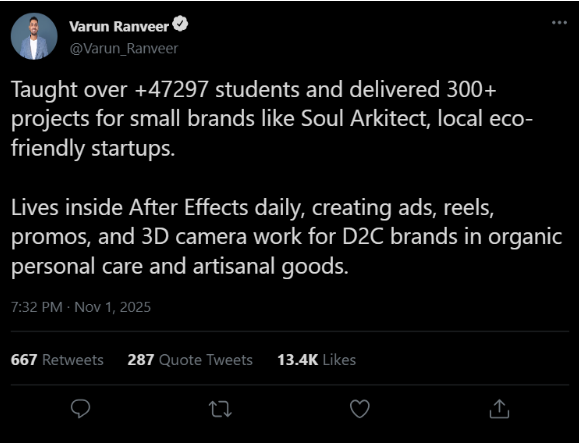
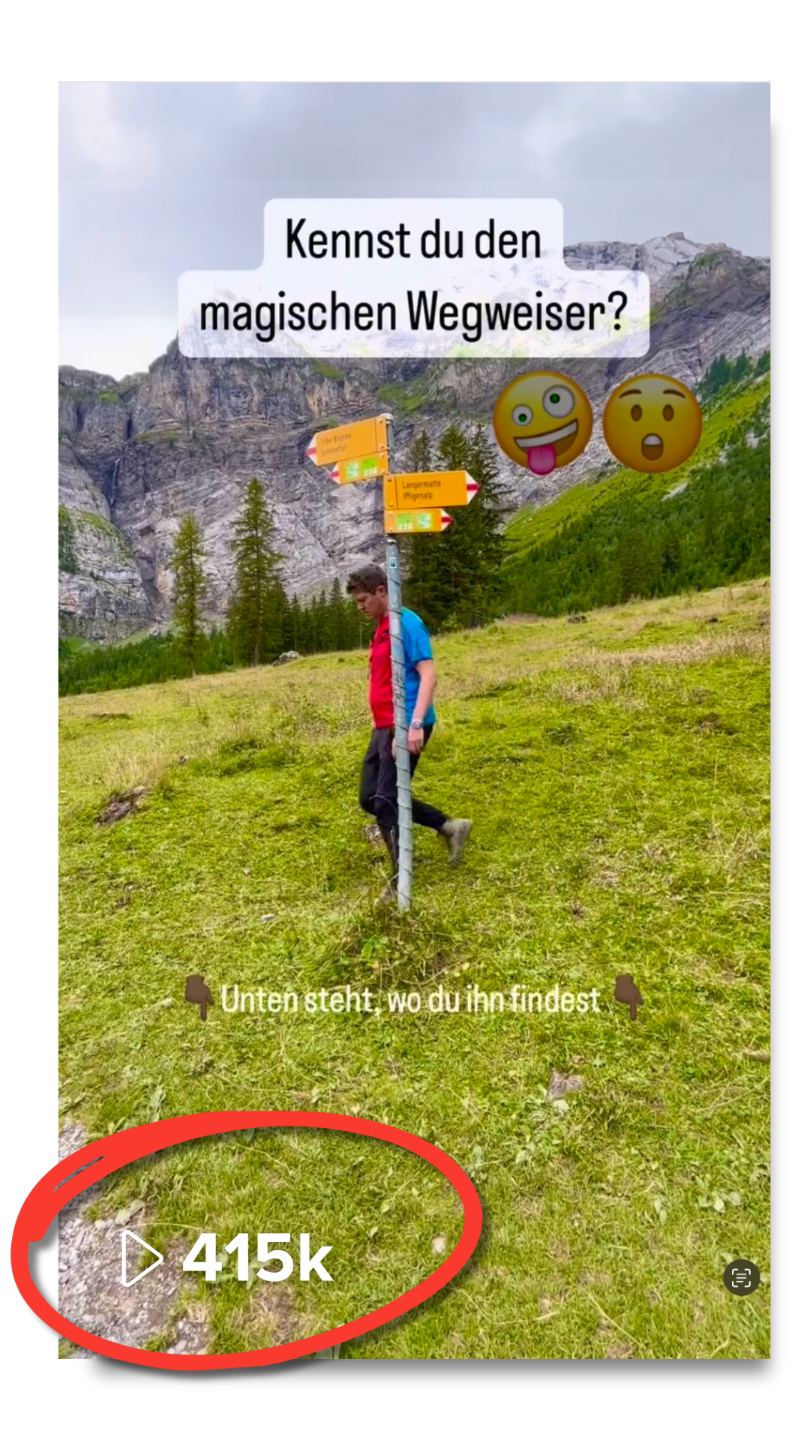
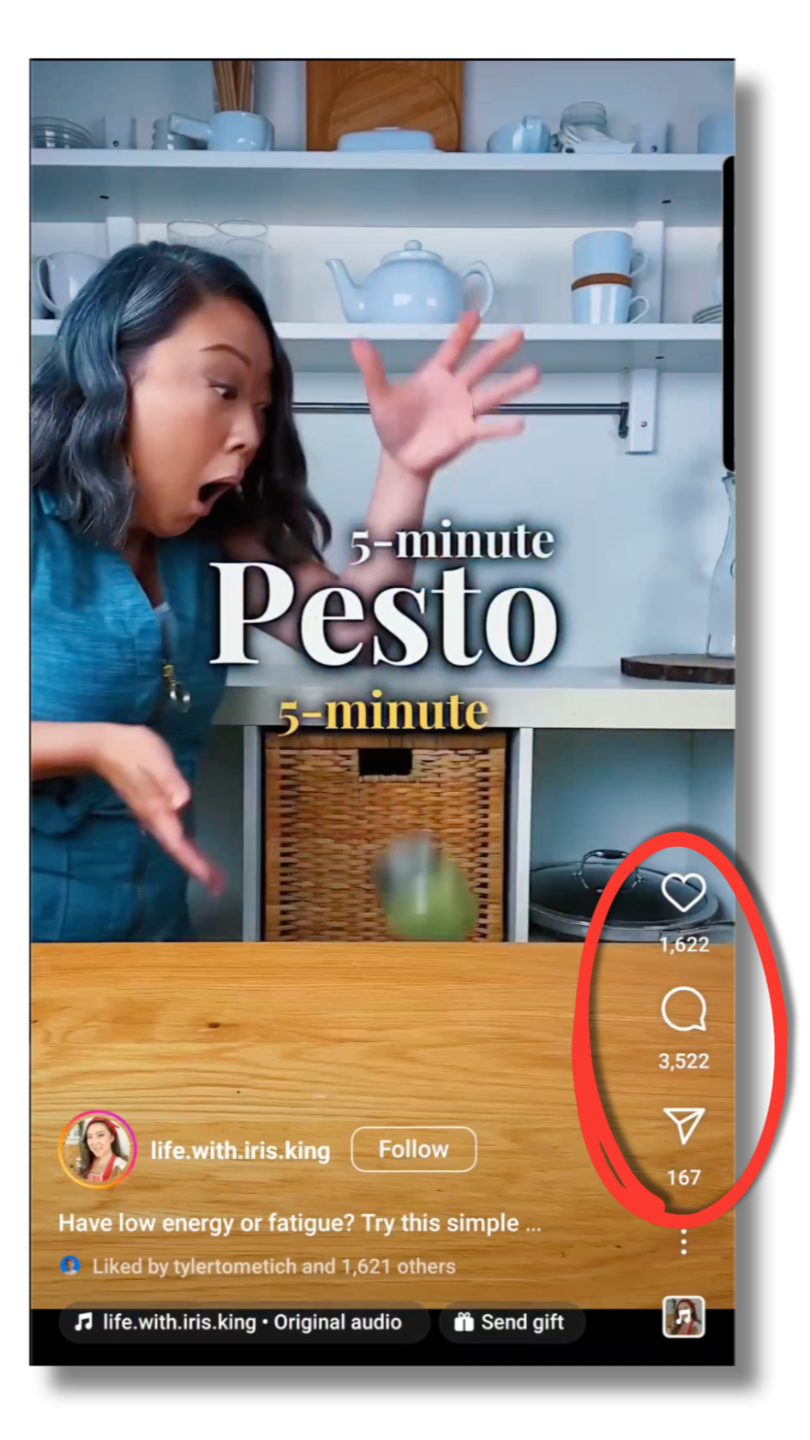
This course transformed my editing game. I went from basic cuts to creating client-ready reels with smooth animations. Within a month, I landed three local business clients paying twice what I used to.
Part 1 – Course Overview
Understand the roadmap from beginner to client-ready video editor and motion designer.
Part 2 – Installing Editing Software
Get step-by-step guidance to properly install and set up Premiere Pro and After Effects so your system is ready for professional work.
Part 3 – Chapter 1: Premiere Pro Basics
Learn timelines, cuts, audio, and export so you can deliver clean, professional edits for clients.
Part 4 – Chapter 2: Mastering After Effects Basics
Discover the core tools and panels that power every high-quality motion graphic.
Part 5 – Chapter 3: Mastering After Effects Basics
Go deeper into layers, compositions, and essential functions so you can build complex animations with confidence.
Part 6 – Essential After Effects Settings
Optimize settings for smooth performance, better quality, and faster renders.
Part 7 – After Effects Shortcuts
Work 2–3x faster with essential shortcuts, so you can handle more clients in less time.
Part 8 – Keyframe Animation in After Effects
Learn how to control movement, timing, and easing for professional, smooth animations.
Part 9 – Speed Graph: Make Your Animation Smooth
Use the graph editor to create buttery-smooth, “agency-level” motion that impresses clients instantly.
Part 10 – Adjustment Layer in After Effects
Apply global effects and color looks efficiently to maintain a fast, flexible workflow.
Part 11 – Null Object: A Comprehensive Guide
Control multiple layers and create complex animations with clean, organized setups.
Part 12 – Trim Paths in After Effects
Animate strokes and lines to create modern infographics, logos, and UI-style animations.
Part 13 – Photoshop to After Effects Composition
Bring still designs to life by animating Photoshop layers for social posts, ads, and brand visuals.
Part 14 – Trim Path: Creating Infographics in After Effects
Build data visuals and infographic scenes that businesses love for presentations and explainer videos.
Part 15 – 3D Camera Video
Understand the basics of 3D camera use to add dynamic movement, depth, and cinematic feel.
Part 16 – Advanced Techniques: Null Object & 3D Camera
Combine null objects and 3D cameras for advanced shots and creative camera moves that look high-budget.
Part 17 – Remove Green Screen in After Effects Easily
Create clean keying for product videos, talent videos, and content creators using green screen.
Part 18 – Masking Final
Use masking creatively for transitions, reveals, and precise edits in your compositions.
Part 19 – Mastering Roto Brush: Effortless Object Isolation
Isolate subjects without a green screen, opening up tons of creative possibilities for client work.
Part 20 – Perfecting Precision: Refining Edges Tool
Polish edges for a clean, professional composite that doesn’t look amateur.
Part 21 – Mastering Track Matte in After Effects
Design stylish text and image reveals that look like high-end brand videos.
Part 22 – Transition using Track Matte
Create modern, smooth transitions that elevate reels, ads, and YouTube videos.
Part 23 – Motion Tracking in After Effects
Attach graphics, text, and elements to moving objects for engaging and professional effects.

Part 24 – Chapter 1: 3D Camera Tracking in After Effects
Learn how to track real footage in 3D space and embed graphics realistically.
Part 25 – Chapter 2: 3D Camera Tracking in After Effects
Build complex scenes using 3D tracking for cinematic shots and advanced client work.
Part 26 – Useful Plugins to Speed Up Your Workflow
Discover must-have plugins that help you deliver faster, higher-quality work (and take more projects).
Part 27 – Handpicked Fonts
Get a curated font collection and learn how to pair them for modern, premium-looking visuals.
Part 28 – Case Study Part 1
Watch a full breakdown of a real project from brief to final delivery.
Part 29 – Case Study Part 2
Understand decision-making, revisions, and how to communicate like a professional.
Part 30 – Case Study Part 3
Learn how to price, package, and present similar projects to your own clients.
This course transformed my editing game. I went from basic cuts to creating client-ready reels with smooth animations. Within a month, I landed three local business clients paying twice what I used to.
I always struggled to find clients willing to pay for my video edits. The real-world project case studies and client pitch scripts helped me confidently approach brands. Now I have a steady flow of clients and even closed a retainer deal.
The After Effects shortcuts, plugins, and 3D tracking modules saved me hours per project. I can now handle more projects without burnout and grow my freelance income faster than I expected.
As a content creator, this course taught me how to make my videos stand out on Instagram with professional motion graphics. Brands started reaching out to collaborate because my reels looked much better.
The client workflow lessons helped me polish my project delivery and manage expectations better. I now have more repeat clients and charge premium fees confidently because I deliver better quality.
I learned how to package and price my video services with clear offers. This clarity not only helped me close deals faster but also increase my project rates by 30%. The bonuses were cherry on top!
Get a collection of powerful plugins that help you work faster, add better effects, and deliver higher-quality videos without extra effort.
Access ready-to-use 3D tracking assets so you can create advanced scenes and cinematic shots without spending extra money.
Use customizable project files to create demos, portfolio pieces, and client work faster.
Yes. The course starts from installing the software and Premiere Pro basics, then gradually moves into After Effects and advanced techniques. You don’t need any prior professional experience.
Absolutely. The real power is in motion graphics, 3D camera tracking, plugins, tracking, masking, and case studies that show you how to work like a pro and turn skills into client work.
You learn not just tools, but real-world workflows and case studies that translate into client-ready projects. You get skills that businesses need for ads, reels, promos, and branded content—things they actively pay for.
You will need Adobe Premiere Pro and Adobe After Effects. The course shows you how to install, set up, and optimize both for smoother work.
Yes, you get lifetime access to all 30 modules, updates, and bonuses so you can learn at your own pace and revisit any lesson anytime.
If within 3 days you feel the course is not right for you, contact support and you’ll get a full refund. No questions asked.
Yes, the After Effects plugins worth ₹7,000 and 3D camera tracking assets worth ₹12,000 are included as bonuses when you enroll.
Yes. The skills you learn—smooth transitions, motion graphics, text animations, tracking, and 3D camera moves—will make your content look more professional and engaging, helping you stand out and attract more brand deals or clients.
₹2,000 Original price was: ₹2,000.₹5Current price is: ₹5.